So I've been on a quest to eliminate my screen time as much as possible.
However, given this day and age, we're kind of required to reuse our screens more often.
Especially now, since we rely on so many tools on our phones and computers.
And low-key.
I kinda miss having a manually written to-do list or a physical calendar until I got this.
This tablet is probably one of the most unique productivity products I have ever seen.
Say hello to the iFlight Tech A-Note Air 2.
Now I hardly do product reviews on this channel, mainly because I'm not Mark Hans Brownlee, but on the rare occasions that I do, it's because I really, really like the product, or the company offered me a lot of money.
Well, you don't see me buying a Lamborghini, so I guess you know the answer for this video.
This tablet piqued my interest as, the more I used it, it was generally one of the more unique products that I've been starting to use, and it's actually pretty useful, so let's get straight into it.
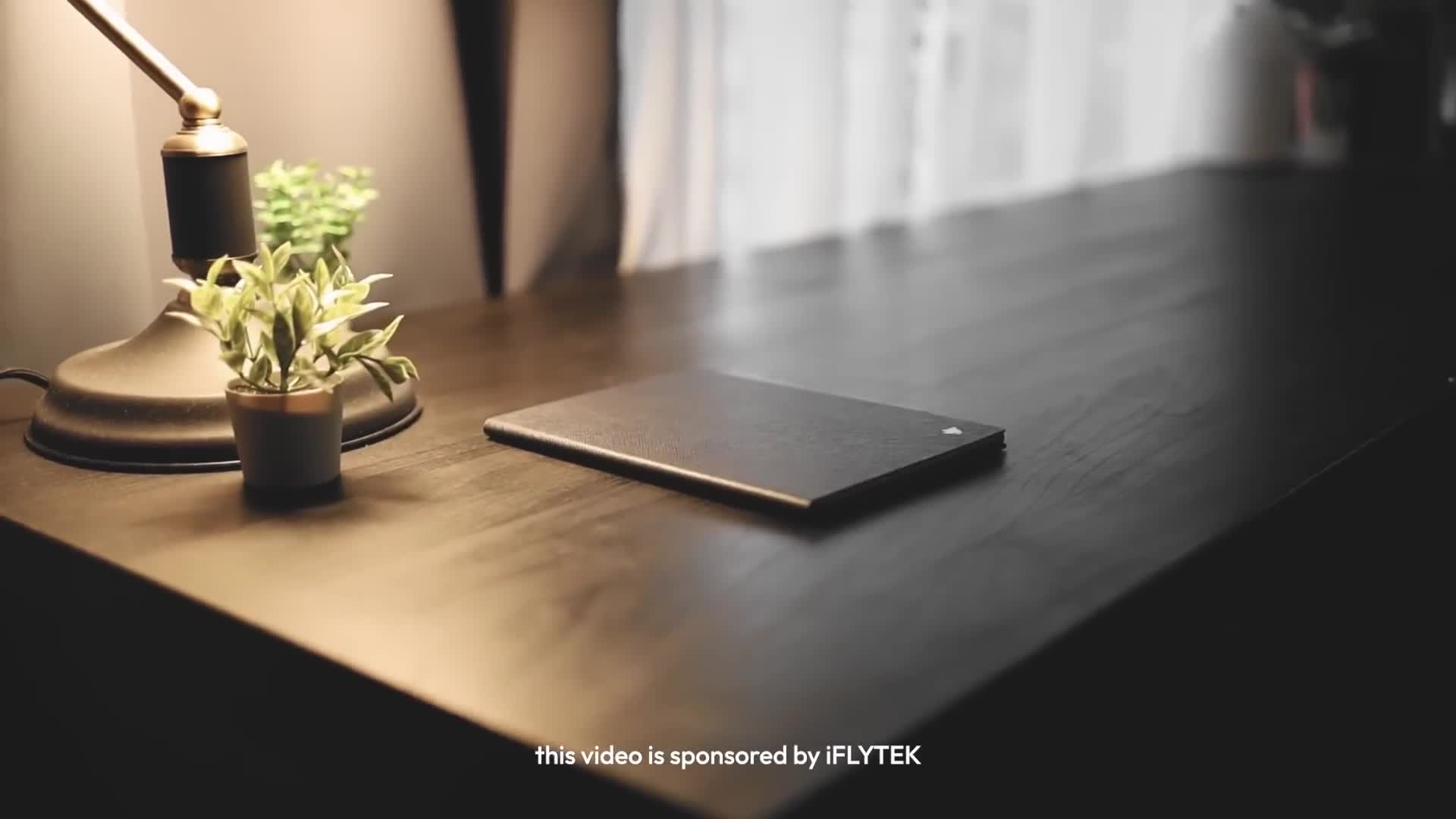
So this is the tablet itself.
It's a 8.2-inch Kindle Lite tablet paired with a wireless battery-free stylus.
At its core, it's made for taking notes, so let's start with that.
Now the thing is, when you hear the phrase, it's sort of like a Kindle.
You probably expect the writing experience to be kinda mid.
And at first I thought the same.
I thought that it wouldn't be smooth, but oh my god, it's actually very smooth to write on.
And I don't want to exaggerate, but I genuinely feel like I'm writing on a piece of digital paper.
Now obviously it's not the same as real paper, but damn, it's pretty nice to write on.
The screen has a sort of matte finish, so it does feel like paper.
And bonus point, since it looks like a Kindle.
It actually looks like you're writing directly on a piece of paper.
It even has pressure sensitivity too, so pressing harder will give you a thicker line, just like the Apple Pencil Pro.
And my favorite feature about the pen is the eraser.
So the eraser side actually erases your notes like a real eraser and it's pretty cool.
Like I said, the tablet has a matte protective film that gives it a sort of a paper-like texture, so it's pretty satisfying.
It's great if you're taking simple notes.
It's also great to jot down memos, shopping lists, or whatever else.
And the cool part, you can even choose different templates for your documents.
So for example, if you're using Cornell note-taking, there's a built-in template for that.
So with those templates, it's useful for not just reminders, but it's also useful for like, actual structured thinking and active learning, which is pretty cool for students and professionals.
Alright, moving on to another feature about the tablet is its transcription tool.
Now I bring this up because most tablets or note-taking apps don't really have a great transcription feature.
A lot of the times when I'm using the transcription tools, they misinterpret the audio, but my experience with this one is that it's actually pretty solid.
Right.
So this is the feature of the transcribing feature.
As you can see, it is literally transcribing what I'm saying right now.
And it's actually pretty accurate compared to other transcribing apps.
And what's cool about this is there is a notepad here as well.
So you could write whatever notes you want just on the bottom half as well.
And if you want to translate it, you can just click here.
There's even translations and different languages for voice to text.
And if you want, you can change the font size of this transcription over here.
Just press here.
You can click your font size or your font style.
Let's say that you have a lecture talking and you can just take down notes while the lecture is talking.
So for example, you can write it over here.
Please excuse my Abysmal handwriting.
It's hard to write when there is a camera in front of you.
After you're done transcribing, what you can do is you could even summarize it by pressing the chat.
GPT icon.
So just press continue and it will generate a meeting summary for you.
So right now it's generating the literal summary of what I've been talking about.
Literally.
I was talking about the transcription feature, and it just shows different parts of what I've been saying a while ago.
Yeah, it's pretty cool and it's pretty practical actually as well.
Now, of course, it wouldn't be a 2025 product without AI.
So, let's talk about the AI features of this tablet.
Now, first off, you have direct access to chat GPT.
Yeah, I guess we can't escape chat GPT anymore, especially not in school.
Don't fucking cheat, I swear to God.
Now, as I mentioned earlier, the summary tool uses ChatGPT, but you can also access it directly by swiping right on the bottom left icon.
Now, funny enough, it actually looks like the ChatGPT icon.
And once you do that, you can start chatting with ChatGPT right from the tablet.
Pretty cool.
Alright.
So if you flip to the back of the tablet, you will notice that it has a camera labeled DocuScan, and I think you can guess where we're going with that.
Essentially, this feature allows you to scan documents.
Just press the button and it opens the camera, letting you to scan any physical paper you want.
And if you need to import any documents directly to tablet, the feature makes it pretty easy just to convert physical documents into digital documents, just like that.
Now you may notice that the stylus has a little button on it, and this button is used to convert whatever text you have into a to-do list, which I think is pretty neat.
It's also a great segue to the tablets built in productivity system.
This tablet has its own scheduling and to-do list system, and you can even write your schedule directly on the screen and add tasks in the dedicated to-do list view.
It basically combines the tablet with a productivity planner and I find that pretty neat.
Now it's kinda wild that we've reached a point in tech where we can get such a great writing experience on a Kindle-like device.
I just feel weird about it.
Now, the main reason why I really like this tablet is how it doubles, kind of like an e-reader, sort of like a Kindle-like experience.
Now the thing is, I used to switch between devices when I wanted to take notes on something or when I wanted to read, but now, with this tablet, I can do everything in just one device.
The screen is very easy on the eyes.
They call it e-ink screen and it's pretty good, especially for long reading sessions.
And the split screen mode lets me keep a book open and I can even jot down notes on the other.
You could even have a research heavy book for class, and you can highlight passages and summarize the key points using the stylus.
So just makes the process so much smoother.
It's kind of like having a smart notebook and a Kindle rolled in one.
And the cool thing is, if you want to read PDFs, you can just simply transfer the file into a tablet and read it, just like a Kindle.
I even recently downloaded some manga on it and honestly, it's been such a fun reading experience.
It's just really nice, especially since some books I really cannot carry around, especially the Steve Jobs.
It's just way too freaking thick.
However, I can download the PDF and have a portable reading device with me at all times.
So, it comes to the question, is it worth it?
Now personally, I've enjoyed using it, but I don't think it's a complete replacement over a traditional tablet.
If you're primarily using this for school, I would recommend it as a secondary tool, something to support your main setup, not replace it.
However, if you're looking for a sort of all-in-one Kindle-style tablet that also has a built-in note-taking system or productivity calendar or whatever, this thing is actually pretty sweet and I've been using it for a few weeks now and so far it's been great.
Now, whether it's worth it depends on your needs, and if you're okay spending a bit for it, it's pretty worth it.
But if the features I mentioned seemed not that useful for you, then maybe think twice.
But I'd definitely recommend checking it out.
That being said, thank you so much for watching this video.
I'll be heading back to my manga reading session now, and don't forget to drink your water.
I'll see you in the next one.
Bye!